
Building an email list from zero means doing five things in order: pick an email service, create one useful thing to give away, put a short signup form on a simple page, send the resource automatically, then keep sending emails people actually want to open. Most of the work happens before anyone signs up.
This guide is for coaches, consultants, creators and service providers who have no traffic, no social following and no product yet. You can have a working list within a week, and a first hundred subscribers over a few months if you keep at it.
One warning before we start: do not buy or rent an email list. It is expensive, unreliable and it can damage the sending reputation of the domain you send from. More on that below.
Table of Contents
- What You Need
- How to Build an Email List From Zero: Step-by-Step
- 1. Define One Audience and a Clear Problem
- 2. Choose an Email Service That Fits Your Needs
- 3. Create a Valuable Signup Offer
- 4. Build a Simple Landing Page
- 5. Add Your Signup Form and Permissions
- 6. Place Signup Opportunities Where Your Audience Already Is
- 7. Test and Launch the Whole Process
- 8. Send a Welcome Email That Starts the Relationship
- Common Mistakes
- Quick Tips
- Frequently Asked Questions
- Do I need a website to build an email list from zero?
- How many email subscribers do I need before sending newsletters?
- Can I build an email list with a free email service?
- How often should I email my subscribers?
- Is it legal to buy or rent an email list?
- Conclusion
What You Need
The list of prerequisites is short, and most of it is a decision rather than a purchase. Before you touch any software, you need to know who you are writing to and what problem you want to solve for them.
Here is the minimum setup:
- A defined audience. Not everyone interested in your topic, but one group of people in a specific situation.
- A valuable signup offer. Something useful you can deliver in one sitting: a checklist, a template, a short guide or a mini email series.
- An email service. MailerLite, Kit (formerly ConvertKit), Mailchimp, Beehiiv and ActiveCampaign all have free tiers you can grow a small list on.
- A place for the form. A landing page built inside your email service is enough. A website makes it easier, but it is not required.
- A signup form. One field for the email address, sometimes one for a first name. That is it.
- Basic tracking. Every decent service shows you signups over time, opens, clicks and unsubscribes.
What you do not need is the part most guides get wrong. You do not need a website, a paid course, a logo, a colour palette, a large budget or a personal brand. You do not need to run paid ads before you know someone will sign up for your offer.
People on marketing forums describe the same trap repeatedly: they delay starting because they assume the starting conditions are already in place. They are not. Most working lists began as a form, one PDF and a few conversations.
How to Build an Email List From Zero: Step-by-Step
1. Define One Audience and a Clear Problem
Narrow your audience by situation, goal or need instead of targeting everyone who cares about your broad subject. “People interested in money” is not an audience. “First-time managers who dread their first one-to-one with a direct report” is.
Write one sentence in this shape: I help who move from where they are to where they want to be without the thing they hate.
A concrete example: I help newly promoted managers run their first performance conversation with a one-page script, without scripting themselves to death. Another: I help freelance bookkeepers who want a second client within 90 days, without cold-calling strangers.
That narrow problem is what shapes the signup offer. If you know the exact moment someone is stuck, you can build the thing that gets them unstuck, and that becomes your lead magnet in step three.
How to tell it worked: you can say your sentence out loud in under fifteen seconds and it names a person, not a topic. If you need the word “solutions” to finish it, keep narrowing.
2. Choose an Email Service That Fits Your Needs
Choose on ease of use, templates, a signup form and landing page builder, automation, the ability to export your list, and pricing you can live with for the next six months. That is the whole checklist at the start.
How do I pick between them? Match the tool to the job:
- MailerLite is friendly for beginners, with a generous free tier, a good editor and built-in forms.
- Kit (formerly ConvertKit) leans toward creators and newsletter writers, and its free plan covers a decent number of subscribers.
- Beehiiv is built for publications and monetised newsletters, with referral tools that help growth later.
- Mailchimp is familiar and widely used, but its pricing model gets harder to follow as a list grows.
- ActiveCampaign is stronger on automation and segmentation, with a steeper learning curve at the start.
Forum discussions on this question land in the same place: any major platform works, and the free tiers make Mailchimp or MailerLite a sensible place to begin. The platform you start with matters far less than starting.
Check two things before committing. Make sure you can export your contacts as a CSV file whenever you want, and make sure the free tier covers the number of subscribers you realistically expect in month one.
How to tell it worked: you signed up, sent yourself a test email, and the editor did not make you want to close the tab. That is the bar.
3. Create a Valuable Signup Offer
A lead magnet is the thing you hand over in exchange for an email address. It has to solve one narrow problem completely, and it has to be readable or usable in under fifteen minutes.
The formats that work best for beginners:
- A checklist — the 27-point prep list before a job interview, the items to pack for a first week in a new city.
- A short guide or mini ebook — 8 to 12 pages on one topic, such as how to run a first one-to-one meeting that gets useful answers.
- A template — a one-page conversation script, a client onboarding checklist, a monthly budget sheet.
- A short email series — five emails on one problem, delivered over a week, which also warms people up for later emails.
These suit different audiences. A checklist works when people know they are about to do something and want to avoid missing steps. A template works for coaches, consultants and freelancers who want a starting point rather than theory. A short email series fits people who learn better in small pieces and want to stay in your inbox for a week.
Test the offer by describing it in one sentence. If you cannot say who it helps and what they get, rewrite it before you build anything around it.
Keep it in your own voice and make it yourself. A generic guide you downloaded from elsewhere is not a reason for anyone to give you their address.
How to tell it worked: someone who has never met you tells a friend about it, or replies asking when they will get version two. Failing that, a stranger signs up without you having to explain the value in person.
4. Build a Simple Landing Page
The landing page exists to do one job: get the visitor to enter an email address. Everything else on it gets in the way.
Six elements cover it:
- A headline that names the audience and the outcome — “The First-One-On-One Script for Newly Promoted Managers”.
- One or two lines of benefit — what it is and how long it takes to use.
- A preview of the offer — a sample page, a short outline, or an image of the checklist.
- A short form — email address, optionally a first name.
- A clear call to action — one button, one instruction, repeated once.
- Basic trust details — who you are, a real name or photo, a physical location, and a note about how often you will email.
Write the copy so it reads naturally on a phone, because most people will arrive from a social profile. Short paragraphs, plain sentences, no clever subheadings.
You do not need a designer for this. Every major email service builds a usable landing page from a template inside its dashboard, and a one-page site works just as well if you already have one.
How to tell it worked: you can point at the page and describe what happens in one sentence: someone reads this, enters their email, and gets the script. If you need two sentences, cut something.
5. Add Your Signup Form and Permissions
Connect the form to your email service. Most services give you a code snippet you paste into a landing page, or a hosted page that handles everything itself. Either works.
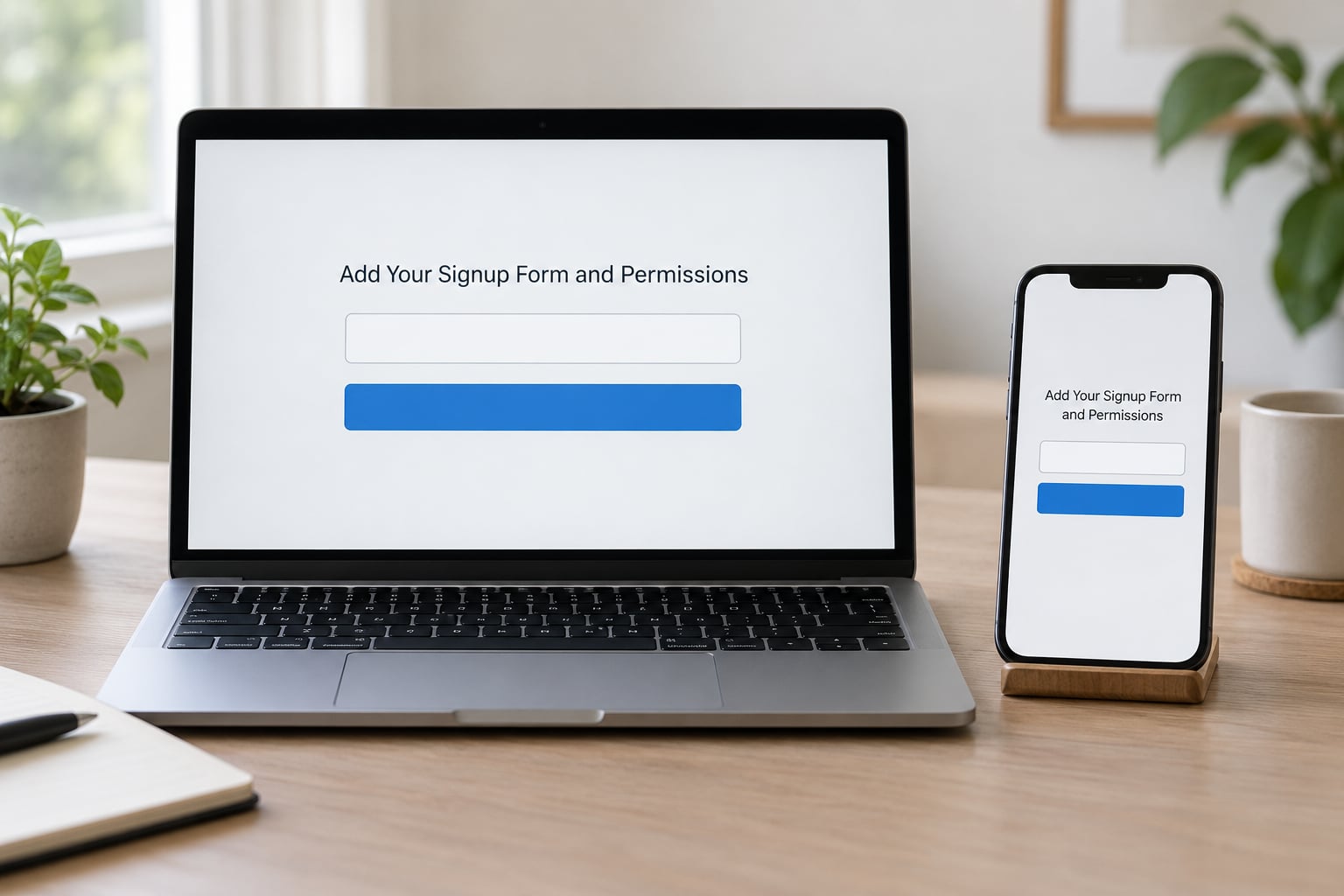
Ask for the least information you can work with. An email address alone gives you the highest completion rate, and most beginners ask for more than they need. If you do request a name or a phone number, the form should say exactly why.
Then decide on a double opt-in, where a new subscriber receives a confirmation email and clicks a link before they enter your list. It adds one small friction step for the subscriber, and it gives you cleaner records and stronger deliverability because nobody receives mail they did not ask for. For business or coaching audiences where people paid for something, single opt-in is often fine. For a newsletter, double opt-in is the safer default.
Give the confirmation email a clear subject, one short paragraph of instruction and one button. Most people who never click that link are simply people who were not going to read your emails anyway.
Write your permission language in plain English: what you are sending, how often, and how to leave. Don’t hide it in grey text at the bottom of the page.
How to tell it worked: a completed signup lands in your audience list within a minute, the confirmation email arrives, and you can see the source of the signup on the contact record.
6. Place Signup Opportunities Where Your Audience Already Is
From zero, you will not have banner traffic to convert. So the placement comes first and the traffic follows. Put the link where relevant people are already spending time, and make it a relevant invitation rather than a repeated broadcast.
- Social profile — a link in your bio that leads straight to the landing page, mentioned in the profile text.
- Comments and replies — answer someone’s question properly, then share a line about the checklist at the end. This works on forums and on comment threads, and it works better than dropping a link with no context.
- Direct outreach — mention it to people you have genuinely spoken to before. Ask whether it is useful; do not send it as an attachment to someone who never asked.
- Community groups — most have a rules page about self-promotion. Read it, follow it, and contribute first.
- Live events and workshops — the link in the chat, in the follow-up, and in the replay email.
- Your own channels — the footer of a newsletter, a pinned post, a reply to your own older content.
- Co-creator cross-promotion — two people with small overlapping audiences swap a mention. This is usually the fastest honest growth available to a beginner.
Publish useful things consistently before you ask for anything. One person described posting daily for months, having the strongest posts shared, and watching new readers find the archive, which then converted into subscribers. The archive did the work the individual post could not.
How to tell it worked: you can point to a specific place and a specific conversation where someone signed up because of the offer. Track where each subscriber came from.
7. Test and Launch the Whole Process
Run the whole thing yourself before you share the link with anyone. Sign up from a private window so you see the page as a first-time visitor, not as its owner.
Then check the pieces:
- The form submits without an error, on a phone as well as a desktop.
- The contact appears in your audience, tagged with the right source.
- The confirmation email arrives and the button works.
- The welcome email arrives and the link to the resource opens correctly.
- Your consent record shows what was promised, where the subscriber came from and when they signed up.
- The link to the landing page works in a plain email client, not only in a browser.
Fix whatever breaks, then do a second run with a different email address. This ten-minute habit has caught more broken automations than any dashboard report.
How to tell it worked: a real person who has never seen the system signs up and receives everything in the right order within a couple of minutes.
8. Send a Welcome Email That Starts the Relationship
The welcome email is the first thing most new subscribers read from you, so it sets the standard for everything after it. Its job is to deliver the promised resource, say who you are, set expectations and give one next step.
Build a short beginner welcome sequence rather than a single message. Two to four emails over the first week is plenty. For example:
- Immediately — deliver the resource, tell them what to do with it, and set the expectation of how often you will email.
- Two days later — share one piece of your thinking in more depth, ideally something that shows how you work.
- Four or five days later — answer a question someone actually asked, or handle the objection that stops most people from taking a next step.
Every message should invite a reply. A line like “reply and tell me which situation you’re in” produces more useful conversations than another broadcast ever will, and replies are the clearest signal that your list is real.
One email is enough if that is all you have time for. Write it properly and automate it so it goes out the moment someone subscribes, including at night and on weekends.
When your list is still small, email it anyway. Someone on a forum described sitting on 23 subscribers for two months before sending anything and now treats that delay as the mistake to avoid. A personal email to 23 people gets a reply rate no broadcast can touch.
How to tell it worked: open rates in the first week are healthy and people reply. If nobody replies at all, your ask is too soft or your emails are too vague.
Common Mistakes
Almost every avoidable problem in list building comes from doing things in the wrong order. These are the ones beginners hit most, and the fix for each.
- Targeting everyone. A general offer converts from nobody. Fix: pick one audience in one situation and write about them specifically.
- Promising more than the offer delivers. If the headline promises a transformation and the download is a two-page checklist, signups stall. Fix: make the promise match the thing they actually receive.
- Asking for the email before you have shown value. Asking a stranger for their address up front converts almost nobody. Fix: publish or do useful work first, then invite.
- Collecting unnecessary personal data. Extra fields add friction at exactly the point where you have zero credibility. Fix: start with the email field only, add a name when you need it.
- Hiding the signup form. No visible link means no signups. Fix: link it in your bio, pin it, and mention it in replies to questions you have answered well.
- Buying a list. Bought addresses are frequently stale, recycled or scraped, and they wreck the sending reputation of your domain. Fix: grow slowly from people who actually asked.
- Not testing delivery before sending. If the automation is broken, subscribers get nothing and leave. Fix: complete a real signup yourself before sharing the link.
- Sending generic follow-ups. Nobody opened a newsletter to receive filler. Fix: write one specific idea per email and let it be short.
- Changing direction every week. New niche, new offer, new platform. Fix: run one system for three months before judging it.
- Waiting for a big list before emailing. There is no magic threshold. Fix: send to the first ten subscribers and keep going.
Quick Tips
- Keep permission visible. A plain line about who you are and how often you email protects you legally and practically.
- Use one primary call to action per email. Two asks means neither gets done.
- Watch opens, clicks, replies and unsubscribes, then stop refreshing the dashboard. Daily checking changes nothing.
- Write to one person, not to a segment. “You” reads better than “subscribers”.
- Improve the offer from real questions. Every reply is a headline that is already written for you.
- Clean the list regularly. Removing addresses that bounce hard keeps your sending reputation intact.
- Expect slow growth early. Around ten signups a week compounds to roughly 500 over a year, which is a perfectly good first year.
- Ask current subscribers to forward one email to a friend. Referral growth from real people beats any paid channel at the start.
Frequently Asked Questions
Do I need a website to build an email list from zero?
No. Every major email service builds a landing page and signup form for you inside its own dashboard, so you can have a working signup page before you have a website. A site only helps later, when you already have traffic and want to place forms on several pages. If you do have one, a single page with the form above the fold is plenty to start.
How many email subscribers do I need before sending newsletters?
More than people think. There is no minimum worth waiting for, and small lists reply at rates large ones never see. Around ten signups a week compounds to roughly 500 in a year, so the real answer is to start sending as soon as the welcome automation is working and let the list grow behind your writing.
Can I build an email list with a free email service?
Yes. MailerLite, Kit, Mailchimp, Beehiiv and ActiveCampaign all offer free tiers that comfortably handle a first few hundred subscribers. Start free, move up only when a limit gets in the way, and check that you can export your contacts whenever you want so your list is never held in one place.
How often should I email my subscribers?
As often as you can sustain with something genuinely useful to say. For most beginners that lands at once a week, because weekly is easy to keep promised and easy to keep honest. Consistency matters more than volume, and sending thin emails too often trains people to ignore you faster than sending rarely.
Is it legal to buy or rent an email list?
Rules differ by country, but buying or renting a list carries real legal and practical risk everywhere. Those addresses rarely consented to you, which creates problems under privacy rules such as GDPR and marketing laws such as CAN-SPAM. Add stale addresses that hurt your sending reputation and it stops working technically as well as legally.
Conclusion
Here is the sequence for this week: define one audience and one clear problem, choose an email service, build the single most useful thing you can give away, put a one-field form on a simple landing page, test the whole flow yourself, then invite the first relevant people from places where conversations are already happening.
None of that needs a website, a budget or a following. Permission and consistency are what make a list worth having, and both cost effort rather than money. Start with ten people who asked for your checklist, email them next week, and let the rest compound from there.