
You give a presentation without reading slides by moving every word off the screen and into a short talk track you can recall, then leaving each slide with one idea and as few words as possible. In practice that means five things: decide the single point you want remembered, rewrite text-heavy slides into prompts, build a one-page outline, rehearse out loud instead of reading, and keep your eyes off the screen while you talk.
Most people read their slides for one uninspiring reason: the deck is carrying the whole argument, so reading it feels safer than remembering it. Take the words away and that safety net disappears, which is exactly why the rewrite has to happen before the rehearsal does.
Here is the method I use, in the order that matters.
Table of Contents
- What You Need
- How to Give a Presentation Without Reading Slides Step by Step
- 1. Decide What the Audience Should Remember
- 2. Turn Each Slide Into a Prompt, Not a Script
- 3. Build a Speaker-Note Outline
- 4. Practice What You Will Say, Not What You Will Read
- 5. Deliver the Message Instead of Performing the Deck
- 6. Use Transitions to Stay Oriented
- 7. Rehearse With Real Conditions
- Common Mistakes
- Frequently Asked Questions
- Can I give a presentation without memorizing every word?
- Should I put my entire speech in the speaker notes?
- What if I forget what to say during a presentation?
- Is it better to memorize a presentation or use slides?
- What is the 10/20/30 rule for presentations?
- What are the 5x5x5 and 7x7x7 rules for presentations?
- Conclusion
What You Need

You need less than people expect. The first item is a deck stripped down to prompts, which usually means deleting half of what is already in it.
- A simplified deck with one idea per slide and roughly four words per bullet.
- A talk track: a one-page outline in your own words, not a script.
- Speaker notes set up in PowerPoint, Keynote or Google Slides so only you can see them.
- A timer for rehearsal and for pacing yourself on the day.
- A clicker or remote so you never walk to the laptop mid-sentence.
- One practice partner, if you can find one. An audience of one is more useful than a mirror.
One more thing worth having: a backup with no electronics at all. Speakers on networking groups describe learning this the hard way after a laptop refused to connect in front of clients. Three key points on a flip chart cost you nothing to carry.
How to Give a Presentation Without Reading Slides Step by Step
1. Decide What the Audience Should Remember
Before you touch a slide, write down the one sentence you would be happy to hear repeated in the lift afterwards. If you cannot write that sentence, you do not have a presentation yet, you have a document with animations.
Then ask what question your audience brought into the room. Every slide either answers that question or it goes. What is left, usually, is three to five ideas, and those ideas become the spine of the talk.
You know the rewrite worked when you can point at any slide and say what it adds. If you cannot, you have decorative slides, and decorative slides are where reading starts.
2. Turn Each Slide Into a Prompt, Not a Script
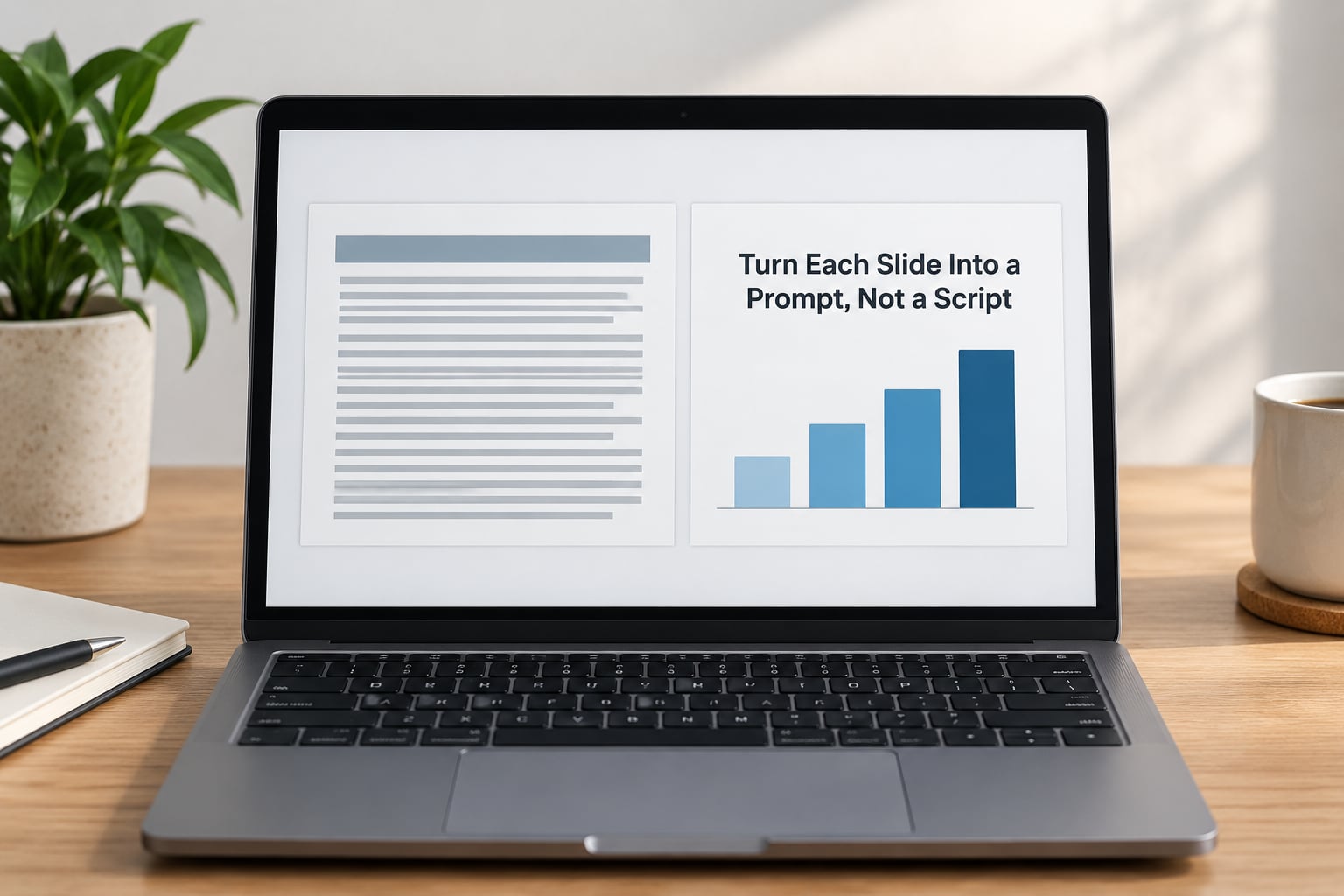
Cut the words on your slides by about 80 percent. Your audience can read a bullet point in roughly ten seconds, then spends the next two or three minutes looking at the screen waiting for you to catch up. That gap is where attention dies.
Replace sentences with one of five things: a headline that states the point, a single number, a chart with no legend clutter, a photo or diagram, or three or four keywords you can glance at and speak past.
| Before | After |
|---|---|
| Quarterly revenue grew 14% year over year, driven mainly by the enterprise segment, while SMB declined 3% because of churn in the lower tiers. | Headline: Enterprise carried the quarter. Chart shows 14% up, SMB 3% down. Cue word: churn. |
| Three bullet paragraphs describing the onboarding process | Headline: New hires ship in week one. One four-step diagram. |
| A slide listing every project in the roadmap | Headline: Three bets for next quarter. Three names, nothing else. |
There are several popular rule systems for how much text a slide should carry. Pick one and hold yourself to it rather than drifting.
| Rule | What it limits | Best for |
|---|---|---|
| 10/20/30 | 10 slides, 20 points, 30 minutes | Pitches and startup updates |
| 5x5x5 | 5 slides per section, 5 bullets, 5 lines | Structured training sessions |
| 7x7x7 | 7 lines, 7 words a line, 7 slides | Shorter team briefings |
| Four-word bullets | About four words per bullet | Any talk where you speak, not read |
| Assertion-evidence | Headline states the claim, visual proves it | Data-heavy or executive decks |
The 10/20/30 rule comes from Guy Kawasaki’s pitch template and covers slide count, bullet count and total minutes. The 5x5x5 and 7x7x7 rules are looser cousins of the same idea, and the four-word rule is the one I actually use, because it is nearly impossible to cheat.
3. Build a Speaker-Note Outline
A talk track is not a script. It is a single page with an opening line, three to five main points in order, the one piece of evidence you want per point, a transition phrase between each, and a closing sentence.
Write it in fragments, not paragraphs. “Churn in lower tiers, price not product” is a note. “Our SMB numbers declined because of churn in the lower tiers” is the start of a script, and scripts put you back behind the screen.
Then move that page into the notes field. In PowerPoint, use Slide Show and Presenter View so your notes and a timer sit on your laptop while the audience sees only the slide. In Keynote, switch to Presenter Display. In Google Slides, open the deck in Presenting mode where your notes appear at the bottom of your own screen.
The test: your notes should be unreadable if printed and handed to a stranger. If they make sense standalone, they are a script and you will read them.
4. Practice What You Will Say, Not What You Will Read
Rehearsal is what removes the need for notes, and only spoken rehearsal counts. Reading your talk silently in your head proves nothing, because the difficulty only shows up when the words have to leave your mouth in sequence.
Use this routine. First pass, stand up and speak from the outline alone into your phone, once per slide. Second pass, record it and listen back at 1.5 times speed, marking every place where you said “um”, repeated a phrase, or trailed off. Third pass, run it against the clock with no stopping.
If you land within ten percent of your target time twice in a row, you are ready. If you are consistently long, cut slides rather than speeding up, because a fast presentation is the one thing audiences notice without knowing why.
One practical habit from people who present regularly: write every fact down during practice even if you do not say it. Several speakers describe this hybrid as the reason they remember key figures under pressure, since the writing itself fixes the detail in memory.
5. Deliver the Message Instead of Performing the Deck
Stand still, look at people, and let the slides support you rather than narrate for you. The tools that replace reading are eye contact, movement and pausing, and each one takes practice on its own.
- Eye contact: pick three faces and give each a complete sentence before moving to another. Speaking to the screen for a full slide is the single most obvious tell that you are reading.
- Movement: take one or two steps between sections. Standing in one spot for 20 minutes reads as reading, whatever you are actually saying.
- Pauses: hold two seconds after an important line. Silence that feels long to you feels confident to the room.
- Voice: drop your volume slightly on the point you want remembered. The room leans in.
Because your slides now carry prompts rather than paragraphs, you have room to do the thing slides cannot do: tell a story, ask a question, or hand the floor to someone in the audience.
6. Use Transitions to Stay Oriented
You will not need to remember everything, only where you are. Transition phrases are the handrail on the stairs, and having a few ready removes most of the panic.
Stock ones cover most gaps: “That is the problem. Here is what we did about it.” “So what does that mean for you?” “Let me show you what that looked like in practice.” “Two things to take from this.”
When you blank, which will happen, do this. Stop talking, take one breath, look at your slide headline or your outline, and restate the current point in your own words. “The key idea here is simply…” buys you about five seconds and nobody notices. Then move to the next transition.
If you are truly stuck, ask the audience something. “Does that match what you are seeing?” buys unlimited time and looks deliberate.
7. Rehearse With Real Conditions
The last rehearsal happens with the actual setup: your laptop, the real display, the room you will stand in, the lighting, and the microphone. Technical surprises should be boring problems you have already met, not surprises that land in front of an audience.
Run it start to finish with the clicker, without stopping to fix anything. Note where the room is too dark, where the clicker fails, and where you speak into the wrong side of a microphone. Then run it again, fixing those three things only.
Online is different, and most people underestimate this. On a video call your camera is a close-up of your face and your slides are small, so cut even harder, raise contrast on anything you need read, and split long talks into more sections. Position notes where your eyes are not drawn to them, and share slides as full-screen images rather than dense tables.
Common Mistakes
Reading every word on the slide. The fix is boring and effective: delete the text. If the sentence has to stay, it belongs in your notes.
Crowding slides. If a slide needs a magnifying glass, split it or replace it with a chart. Text-heavy decks read as anxiety from the stage.
Facing the screen. Turn your body toward the room the moment you press click. Glancing back to check the slide is fine, standing with your back to the audience is not.
Memorizing a script word for word. Recited sentences sound recited. Memorize your opening, your key numbers, your transitions and your closing, then let the middle run on your outline.
Speaking too fast. This is what happens when nerves push people to hurry. If you are cut from 40 minutes to 20, slow down and add pauses instead of racing. One speaker describes a shortened talk that became her best because she finally breathed.
Ignoring questions or rushing past them. Ask for questions at planned moments rather than bolting to the end. And when you read a figure out loud verbatim because it is a quote from an external source, change your tempo and volume so it still sounds like speech.
Frequently Asked Questions
Can I give a presentation without memorizing every word?
Yes, and you should not try to. Memorize your opening, your key numbers, your transitions between sections and your closing line. Everything in the middle runs off a one-page outline and your own recall. If you memorize all of it, you sound recited rather than conversational, and one forgotten sentence can undo the whole talk.
Should I put my entire speech in the speaker notes?
No. Notes should hold prompts, key figures, transitions and reminders, never paragraphs you intend to read word for word. If your notes would still make sense to a stranger who read them, they are a script. Use Presenter View or Presenter Display so the notes are visible only to you, and keep them scannable rather than written out.
What if I forget what to say during a presentation?
Stop, breathe, and look at the slide headline or your outline. Restate the current point in your own words with a line such as the key idea here is simply, and that buys you a few seconds while nobody notices. If you are still stuck, ask the audience a question about the point you are on. It looks deliberate and buys as much time as you need.
Is it better to memorize a presentation or use slides?
Do both, for different jobs. Memorize your message, your sequence and your important transitions. Use slides for visual support, evidence and memory cues, which is why each one should hold a single idea in a few words. The deck is not a script, and the outline is not decoration, and confusing the two is what makes nervous presenters hide behind the screen.
What is the 10/20/30 rule for presentations?
It is a pitch template: no more than 10 slides, no more than 20 bullet points on those slides, and no more than 30 minutes. Guy Kawasaki built it so a pitch could be reviewed fast by someone who was not in the room. It works well for investor and sales talks. For longer sessions, pair it with the four-word bullet rule to control how much text sits on each slide.
What are the 5x5x5 and 7x7x7 rules for presentations?
Both are simple density limits. The 5x5x5 rule allows five slides per section, five bullets per slide and about five lines of text per bullet. The 7x7x7 rule allows seven lines, seven words a line and seven slides. They are looser cousins of the same idea and suit training sessions and team briefings. If a rule only works when you read it aloud, it is too generous.
Conclusion
Presenting without reading slides comes down to moving the words, not memorizing more of them. Cut the text off the screen, put a one-page talk track in your notes, rehearse out loud until the transitions are automatic, then talk to the room instead of the projector.
Start with three things today. Write the single sentence you want the audience to remember. Pick your worst slide, reduce it to one headline and one visual, and rehearse that talk’s opening aloud three times before you go to bed.