
Most screen time fights are not about the screen. They are about the fact that the limit arrives without warning, changes from day to day, and gets enforced by an exhausted adult at 7pm. To limit screen time without a fight, agree the rule in advance, write it down, give a visible warning before the cutoff, and hold the same line every day.
Expect it to take two to three weeks, not two to three days. The goal is not a lower number on a settings page. It is a child who can predict what happens next, which is what actually builds self-control later.
Updated for 2026. This is general guidance, not medical advice. If screen use is interfering with sleep, school, eating or daily functioning alongside other concerns, talk to your pediatrician.
Table of Contents
- What You Need
- Step-by-Step: How to Limit Screen Time Without a Fight
- Set the goal together before setting the rule
- Explain the limit in plain language
- Build a predictable daily schedule
- Use warnings and natural stopping points
- Make the next activity obvious
- How to keep the same limit without arguing
- Review and adjust the plan after one week
- Set the limits on the device, not just in your head
- What to do when your child bypasses the limits
- Cut your own screen time first
- Common Mistakes
- Frequently Asked Questions
- What is the 3-6-9-12 rule for screen time?
- How much screen time is too much for kids?
- Should I use a timer for screen time?
- How is my child bypassing the screen time limit?
- How do I reduce screen time for a 2 year old without tantrums?
- Should I take away screen time as punishment?
- Start tonight, not Monday
What You Need

Gather these five things before you have the conversation. Scrambling to invent a rule mid-argument is why most plans collapse on day two.
- A shared definition of screen time. Decide together which devices count: phones, tablets, laptops, handheld consoles, TVs in the bedroom. Watch time on a television in the living room is a different conversation, and mixing it into the daily limit is where most arguments get stuck.
- An honest list of what your child actually uses. Open the weekly screen time report on their device and look at the top five apps. You will usually find that the device is not the problem, one short-form video app or one game is.
- A realistic daily limit. Start near where your child already is, not where you wish they were. Tapering down from the current baseline is what keeps the plan from becoming a punishment.
- A visible timer. A kitchen timer or a visual countdown timer app that shows the time remaining works better than a verbal warning. A parent saying “ten more minutes” is not the same as a child watching the bar fill up.
- A charging spot outside the bedrooms and a written schedule the whole family can see, plus a short family tech agreement everyone signs.
That last item is the one most families skip and most need. A one-page agreement with five written rules, posted on the fridge, removes almost all of the daily renegotiation.
Step-by-Step: How to Limit Screen Time Without a Fight
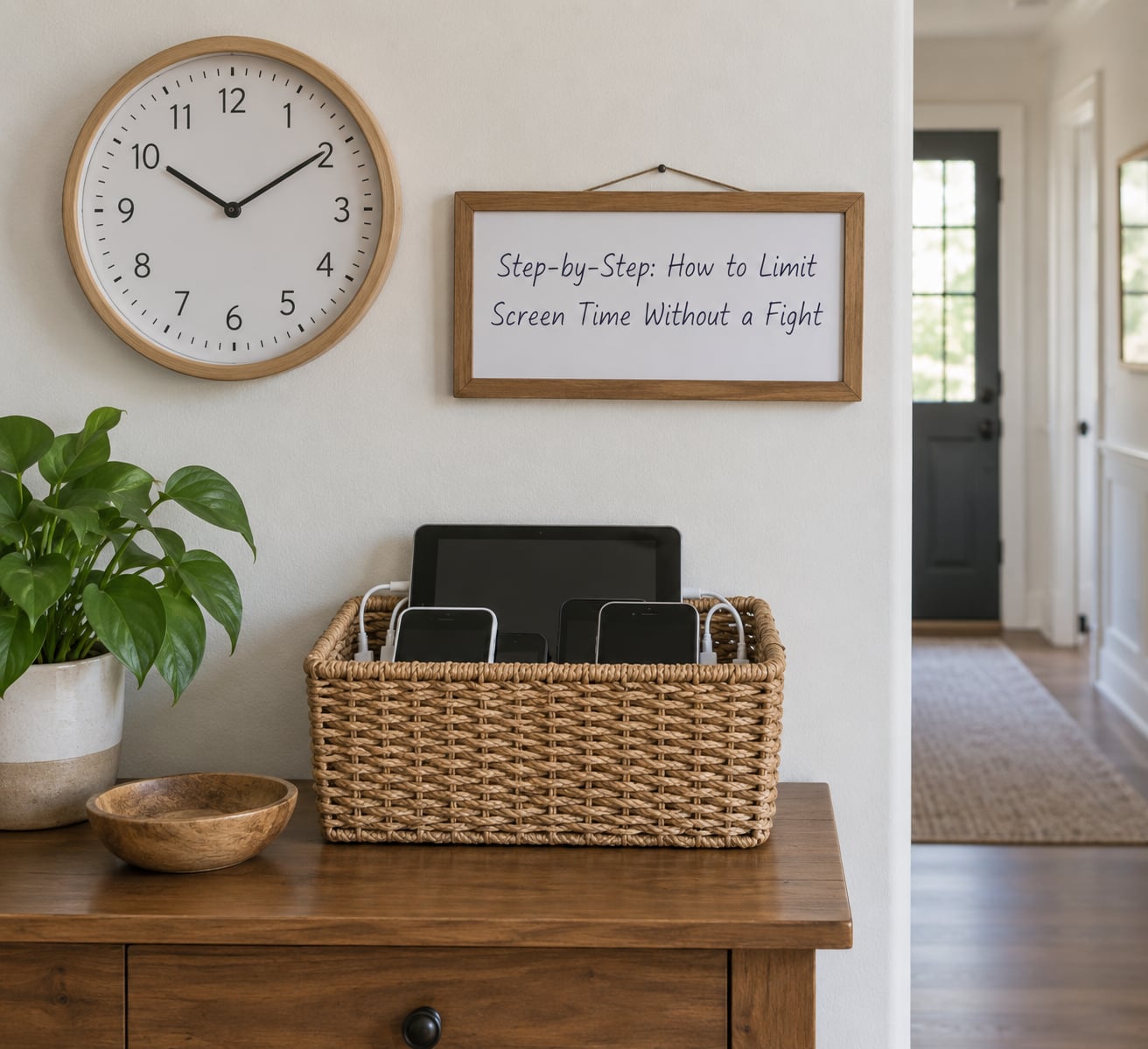
Set the goal together before setting the rule
Before you write down any number, ask your child what they want to do with their screen time this term. A nine-year-old who wants to finish a game and a fifteen-year-old who wants to talk to friends on a group chat need completely different rules.
Separate recreational use from school and work use, then treat them differently. Schoolwork on a laptop should not eat the same allowance as a game, or you will be fighting homework. Choose one measurable goal that makes the boundary useful rather than punitive: “you keep your Saturday slot by finishing your bedtime routine on weekdays” beats “less screen time, because.”
Explain the limit in plain language
Give a short, honest explanation and nothing more. Most of the time it is some mix of sleep, focus, movement and family time.
Keep it to two or three sentences, then ask a question and actually listen to the answer. “Screens right before bed keep you awake, so we stop at eight” is enough. A twenty-minute lecture about dopamine is not, and it invites a debate you cannot win.
Build a predictable daily schedule
Write down when screen time happens each day and post it where everyone can see. Predictability is the whole game, because a child who knows the schedule rarely asks for more of it.
Include device-free anchors: meals, the hour before bed, and any family activity. Then allow flexibility where it matters. Weekends and holidays need their own numbers, otherwise the weekday limit becomes something the whole week is bent to avoid.
Taper rather than cut. Reducing from 90 minutes to 60 in one step is a different event from reducing 15 minutes at a time across a fortnight. Here is a schedule that works for most school-age children:
| Week | Weekday limit | Weekend daily limit | What to expect |
|---|---|---|---|
| Week 1 | Hold at current average | Hold at current average | Awkwardness, some testing |
| Week 2 | Reduce by 15 minutes | Reduce by 15 minutes | Most argument happens here, then stops |
| Week 3 | Reduce by 15 minutes | Reduce by 15 minutes | Noticeable boredom, replacement activities matter |
| Week 4 | Reach your target number | Reach your target number | New normal, fewer battles |
If your child is gaming hard right now, hold at the current average for the first week before reducing anything. Cutting into an established habit on a Monday morning is what produces the week-long protest.
Use warnings and natural stopping points
Warnings are the cheapest intervention in this entire plan and the most skipped. Give a five-minute warning, then a two-minute warning, then let the timer go. A child who knows it ends can start packing up mentally instead of being ambushed.
Pick sessions that end on their own terms. An episode of a show that runs forty minutes finishes by itself. Twenty minutes of scrolling does not, which is exactly why parents report far more conflict around short-form video and open-ended games than around a cancelled cartoon.
Make the next activity obvious
Ending screen time should not begin a negotiation, because boredom looks exactly like a dispute. Prepare a small menu of replacements ahead of time rather than improvising at the moment of the timer.
For a toddler: a basket of books, clumping dough, a short audio story, a dance playlist, stacking cups. For primary age: a build kit, Lego, magnetics, a scavenger hunt that takes ten minutes, a call to a friend. For a tween: cooking something together, a board game, riding out to a park, a phone call on a landline-style speaker so nobody is alone. For a teen: gym time, cooking, a shift with a sibling, a phone call with a friend, an actual say in when their slot falls.
None of these need to be expensive or supervised. The list matters more than the items, and it changes as your child gets bored of it.
How to keep the same limit without arguing
When the timer goes off, say one short neutral sentence and do not repeat it. “The timer is done, tablet goes in the basket.” Then continue what you were doing. No explanation, no second chance, no counter-offer.
If your child escalates, the first sixty seconds decide how the rest goes. Lower your voice rather than raising it, get close but not in their face, and name what you can see without judging it.
- Say: “I can see you are really angry. The rule did not change today.”
- Say: “I am not going to change my mind while you are yelling. I will talk in five minutes.”
- Do not say: “If you do not calm down, the tablet is gone for the whole week.”
Then follow through on whatever you said, and stay nearby. Parents who walk out of the room tend to come back to a bigger problem. If there is throwing, breaking or hitting, remove other people from the room first and deal with safety before you deal with the screen rule.
Two things make this defensible. The first is that you apply the same standard to yourself, which is covered below. The second is that the rule exists for every day, not just the ones you are tired of arguing about.
Review and adjust the plan after one week
After a week, sit down for ten minutes and ask three questions: was the schedule realistic, which time of day triggered the most arguments, and what did you forget to prepare. Make one change at a time.
Change the limit no more than every two weeks. A daily tweak is not a plan, it is a negotiation that never ends, and your child will correctly conclude that all rules are negotiable.
Set the limits on the device, not just in your head
Written rules do not stop a determined nine-year-old. Set them where the device is.
On iPhone and iPad, Screen Time lives under Settings, then Screen Time, then App Limits. Add a Daily Limit by app, set a Downtime schedule for bedtime, and use the Screen Time passcode so your child cannot simply tap the change. Turn off Ask to Buy so new apps cannot appear without your approval. On Android, open Google Family Link, create a family group, and use app-specific time limits, device-level bedtime schedules and the app approval lock from the family’s dashboard. Google Play now manages some of this through Play’s own family controls, so menu names vary slightly by version.
Know which device and which version you are following, because the paths move. Expect the technical limits to be a floor, not a ceiling. They handle the boring enforcement so you have more of your attention left for the transitions that actually need you.
What to do when your child bypasses the limits
Workarounds become common around age nine or ten, once a child knows your passcode. The usual ones: unlocking the app after you have set a limit, reinstalling an app you deleted, using a second device in the house, and asking whichever parent is not currently enforcing.
Four fixes cover most cases. Change the Screen Time or device passcode to one they do not know, so you are not the only lock they can pick. Use Guided Access on iPad, or lock the settings app, so limits cannot be edited from the home screen. Set app installation approval to require you, so deleted apps stay deleted. And agree the house rule with the other adult in writing, because a limit that disappears every other weekend teaches your child that limits are optional.
If your child works around the limits constantly, treat that as a signal the relationship needs attention right now, not as a cheating problem. It is usually doing the same thing the arguing does.
Cut your own screen time first
If you are on your phone through dinner and on the couch at bedtime, the rule reads as punishment regardless of how reasonably you word it. Cutting your own use is the single biggest credibility gain available, and parents report the fastest improvement among older children when they do it.
Start with one thing and keep it: phones in a basket at dinner, or no phone in the bedroom overnight. Check your own weekly screen time report on a Sunday so you are arguing from the same data they are.
Common Mistakes
Cold turkey with no warning. Cutting a four-hour weekend habit to one hour overnight reliably produces several days of rage, bargaining and lying about device use. Taper instead, and give a week’s notice before any change.
Different rules in each house. If one parent allows gaming until 9pm and the other stops at 7, your child has learned that the rule is about who is holding the device, not about the rule. Agree one schedule in advance and stop renegotiating it in front of the child.
Using screens as both reward and punishment. Bonus minutes for good behaviour, then taken away for bad behaviour, teaches your child that screen time is a currency they can earn or spend. It also guarantees constant bargaining. Keep the allowance flat and find a different lever for discipline.
Treating all screen time alike. A completed episode of a series, schoolwork on a laptop and an infinite scroll feed do not belong in one bucket. Divide content into must-do, finish-a-task and open-ended categories, and give each a different rule.
Having nothing ready to replace it. Most parents run out of ideas in about four days and then get worn down. Keep a physical menu of five things ready to go, and accept that some days you are simply the person sitting on the floor with them.
Changing the limit during the argument. Negotiating at 7pm trains a child to escalate until you crack. If something must change, change it at the weekly review, out loud, for every day going forward.
Answering “their friends get more.” It is true and it is not a reason to change your plan. A reasonable answer is: “I know it seems different at their house. Our limit is based on when you need to be up, not on what the neighbours do.” You do not owe a child other families’ parenting.
One tip above the rest: run the plan as a calendar, not a mood. Most parents cave because they are exhausted, not because they disagree with the rule. A written schedule means the decision was made once, on a good day, and no longer gets re-litigated every evening.
Frequently Asked Questions
What is the 3-6-9-12 rule for screen time?
It is a widely used guideline from the American Academy of Pediatrics: no screen time other than video calls for children under 2, about 1 hour of quality viewing per day for ages 2 to 5, roughly 1 to 2 hours for ages 5 to 8, and a consistent limit of about 2 hours for ages 9 to 12. It is a starting point, not a quota to hit exactly, and sleep, school and family time come first.
How much screen time is too much for kids?
For under 2, avoid screens other than video calls. Ages 2 to 5 sit near 1 hour a day of quality content, 5 to 8 around 1 to 2 hours, and 8 to 12 within the same range. Older children generally need a consistent limit rather than a strict cap. Also watch the pattern: screens in bed, screens at meals and screens that displace sleep or homework are the real warning signs.
Should I use a timer for screen time?
Yes. A visible timer, especially a visual countdown that children can watch emptying, prevents most of the arguing because the end arrives as something they watched coming rather than something you announced. Set it before the session starts, give a five-minute and a two-minute warning, and choose content that finishes on its own when you can. A parent saying ten more minutes does not land the same way.
How is my child bypassing the screen time limit?
The common routes are knowing the passcode, editing or deleting limits from settings, reinstalling removed apps, borrowing a second device, and asking a parent who is not enforcing the rule. Change your Screen Time or device passcode to one they do not know, keep app installation set to require approval, and agree the same limit with every adult in the house. Otherwise the workarounds repeat weekly.
How do I reduce screen time for a 2 year old without tantrums?
At 2, transitions dominate. Keep sessions very short and repetitive, use a picture schedule so the order is visible, and always end on the same simple ritual: one song, then the tablet goes in the basket. Keep the tablet out of reach between uses rather than handing it over on request. If the crying is usually at the end rather than the start, treat that as the real problem to fix.
Should I take away screen time as punishment?
Not on its own. Using screens as reward and punishment turns them into currency, which guarantees bargaining and teaches your child that limits are about leverage. If something needs to be addressed, use a separate consequence that does not involve the device, and keep the daily allowance flat and predictable. A withdrawn allowance that was never framed as a reward also causes resentment rather than learning.
Start tonight, not Monday
Pick one evening. Agree the limit with your child, write it on the family’s tech agreement, set the timer, and put a basket by the door for devices. Apply it unchanged for a week, even on the days it costs you.
Then look at your own usage. The plan holds when the rule is predictable and visible, and it stops holding the moment it is negotiable. That is how to limit screen time without a fight: less force, far more consistency, and a child who knows exactly what happens next.