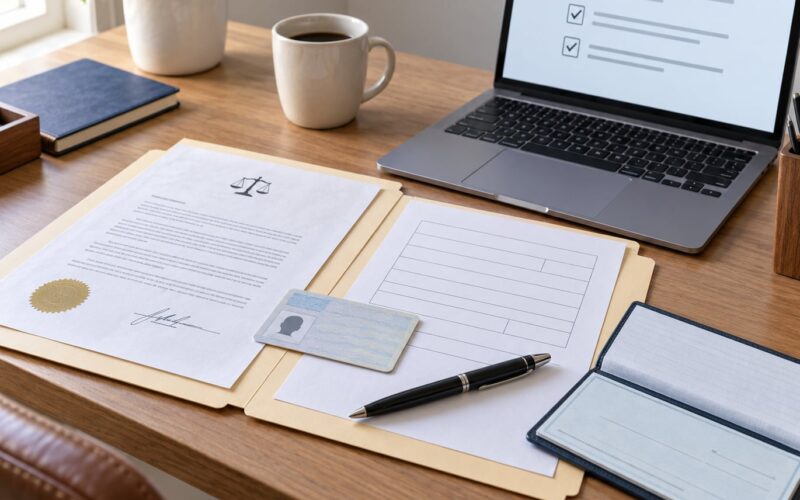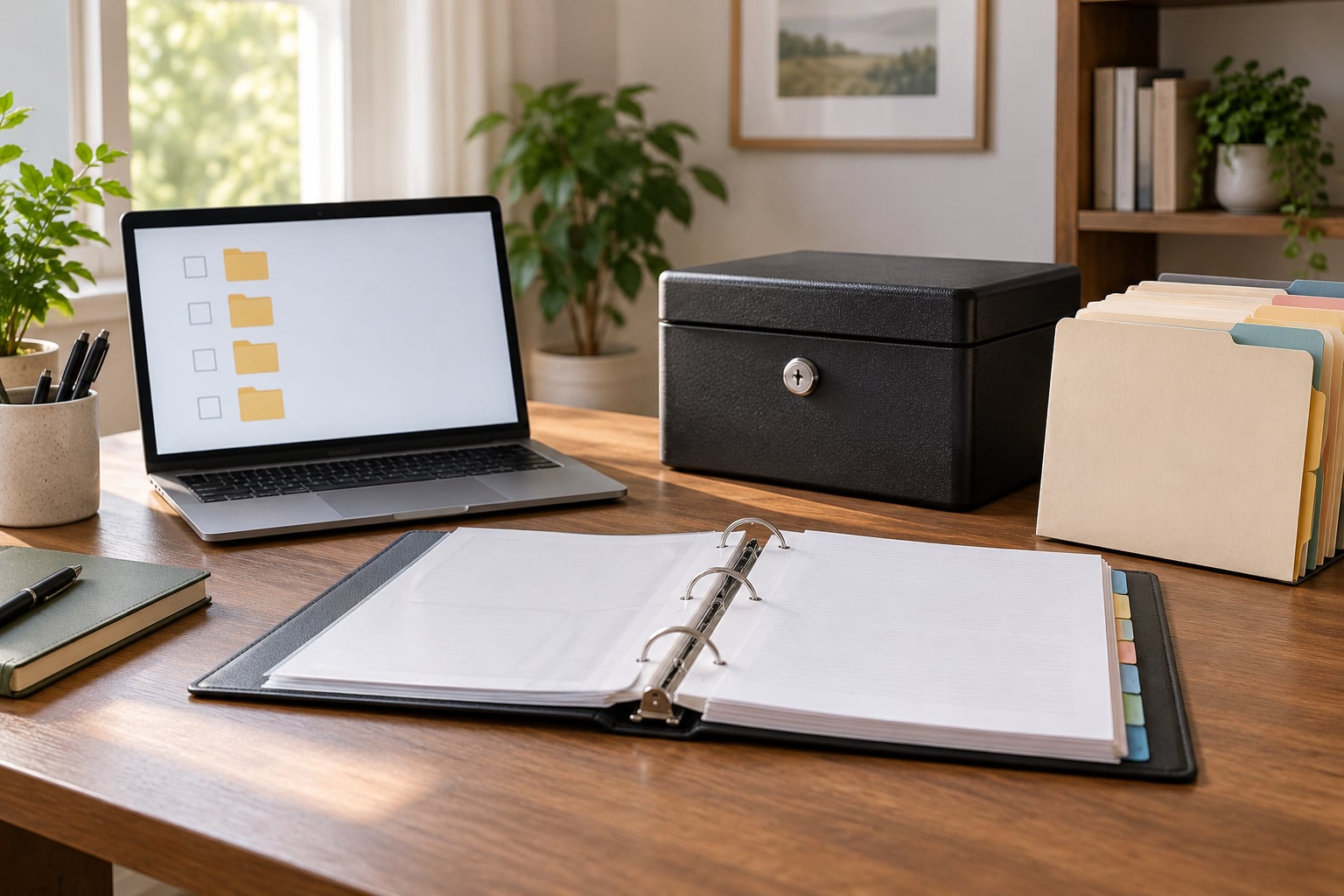
To organize important documents for your family, gather every paper into one temporary pile, sort them into a small number of labeled categories, store the irreplaceable originals in one locked and findable place, scan the rest into an encrypted backup, and write a one-page index telling family members where everything lives. Most of the work is a single weekend afternoon.
The reason to do it now is that documents are needed at the worst possible moments: a hospital admission at 2 a.m., a flood, an identity theft, a death in the family. Searching for a birth certificate or a policy number while you are stressed is how people end up paying for documents they already owned.
There is a second reason, and it is quieter. When a parent gets older, the person who has to find the deeds, the policies and the passwords is rarely the person who filed them. A system that lives only in one head stops working the moment something goes wrong.
Table of Contents
- What You Need
- Step-by-Step: How to Organize Important Documents for Your Family
- Step 1: Gather Every Family Record
- Step 2: Sort Records by Family Need
- Step 3: Create Clear Folder Labels
- Step 4: Make an Emergency Access Folder
- Step 5: Store Physical and Digital Copies Securely
- Step 6: Create a Simple Index and Review Schedule
- Common Mistakes
- Frequently Asked Questions
- What is a good family document organizer?
- Where should I keep original birth certificates and passports?
- Are bank safe deposit boxes safe for important documents?
- Is it safe to store sensitive family documents in the cloud?
- What should be in an emergency document folder?
- How long should I keep tax and financial records?
- A Simple First Step
What You Need
You do not need special supplies or a dedicated room. You need a few ordinary things and about three hours.
- Labeled folders or a three-ring binder. A binder per person plus one shared binder works better for most families than one giant cabinet.
- A locked file cabinet, fire-resistant safe, or quality lockbox. Somewhere in your own control, not in a storage unit.
- External backup. A second copy that lives outside your house, either an encrypted cloud folder or a drive kept at another address.
- An index sheet. One page listing each document, where the original lives, and who can reach it.
- A trusted family contact. One person who knows the layout well enough to find things when you cannot.
Set aside one large empty box, a marker, and a phone with a camera. That is your preparation kit. The moment you start with those, the job becomes mechanical instead of emotional.
Step-by-Step: How to Organize Important Documents for Your Family
Step 1: Gather Every Family Record
Put every paper you can find in one place, including the ones scattered in email attachments, phone photos, storage boxes, school offices, and the drawer nobody opens.
Pull from homes, cars, previous caregivers, and any relative who might be holding an original. Aim for identity and vital records, marriage and divorce papers, education files, healthcare and insurance records, tax and financial statements, property deeds and vehicle titles, employment documents, and your current emergency contacts.
How do you know it worked? Every family member’s name appears at least once in the pile, and you know which documents exist but which ones you still have to request. Write down the missing ones as a to-do list — certified birth certificates and marriage licenses often take weeks and a fee to replace.
Step 2: Sort Records by Family Need
Seven categories cover almost every household: identity and vital records, family and legal, healthcare, finances and insurance, home and property, education and employment, and emergency information.
The test is whether a category makes sense to a stressed person at short notice. “Everything financial” beats “tax and retirement and banking and insurance.” Fewer categories means fewer labels to remember and a shorter search when you are not thinking clearly.
A workable set of tabs: Identity, Family and Legal, Health, Finances and Insurance, Home and Property, School and Work, Emergency. Resist building a filing code with sub-numbering until the basic version has survived six months of real use.
Step 3: Create Clear Folder Labels
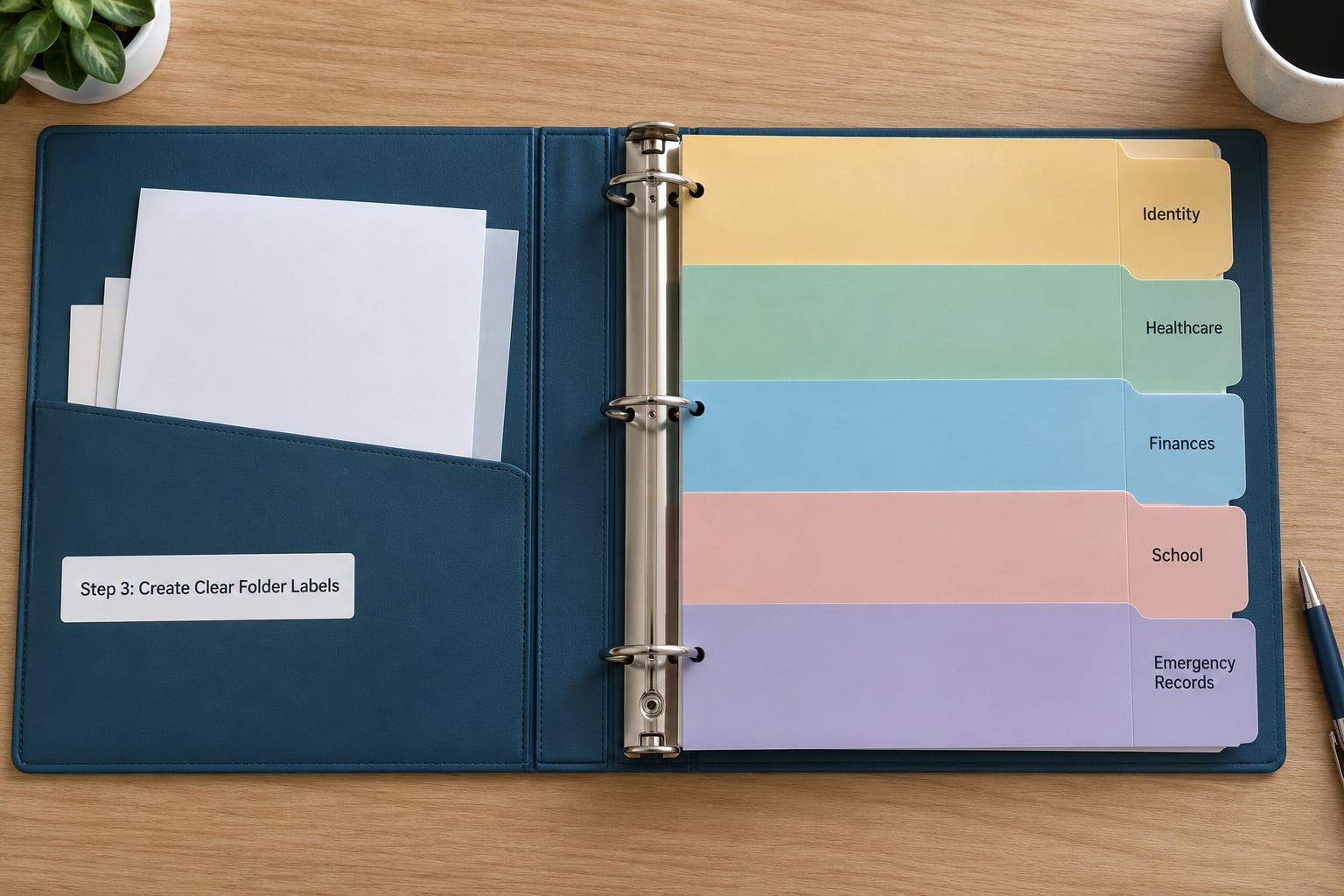
Label folders and digital folders with the exact same names. Use descriptive wording instead of vague labels — “Health Insurance,” “Mortgage and Property,” and “School Records” beat “Stuff” and “Misc.”
Keep related records together. All insurance documents for one property belong in the same sleeve; all immunization records for one child belong with that child’s file. On the digital side, mirror the paper structure exactly, so someone who learns the paper system already knows the folders on the screen.
You know it worked when a family member can ask a question and you can name the exact folder, not just the general area.
Step 4: Make an Emergency Access Folder
Build one portable folder with the records someone needs in the first hour of a crisis: photocopies of identification, insurance details, healthcare contacts, current medication information, emergency contacts, and account references.
Keep it in a canvas folder inside the emergency go-bag by the front door. People who prep for disasters keep a go folder for a reason: in an evacuation or a blackout, nobody is digging through a filing cabinet.
Protect it the way the rest of your records are protected — no loose Social Security numbers in an open pocket. Decide who may open it and tell them that they may. A folder nobody else knows about is a secret, not a plan.
Step 5: Store Physical and Digital Copies Securely
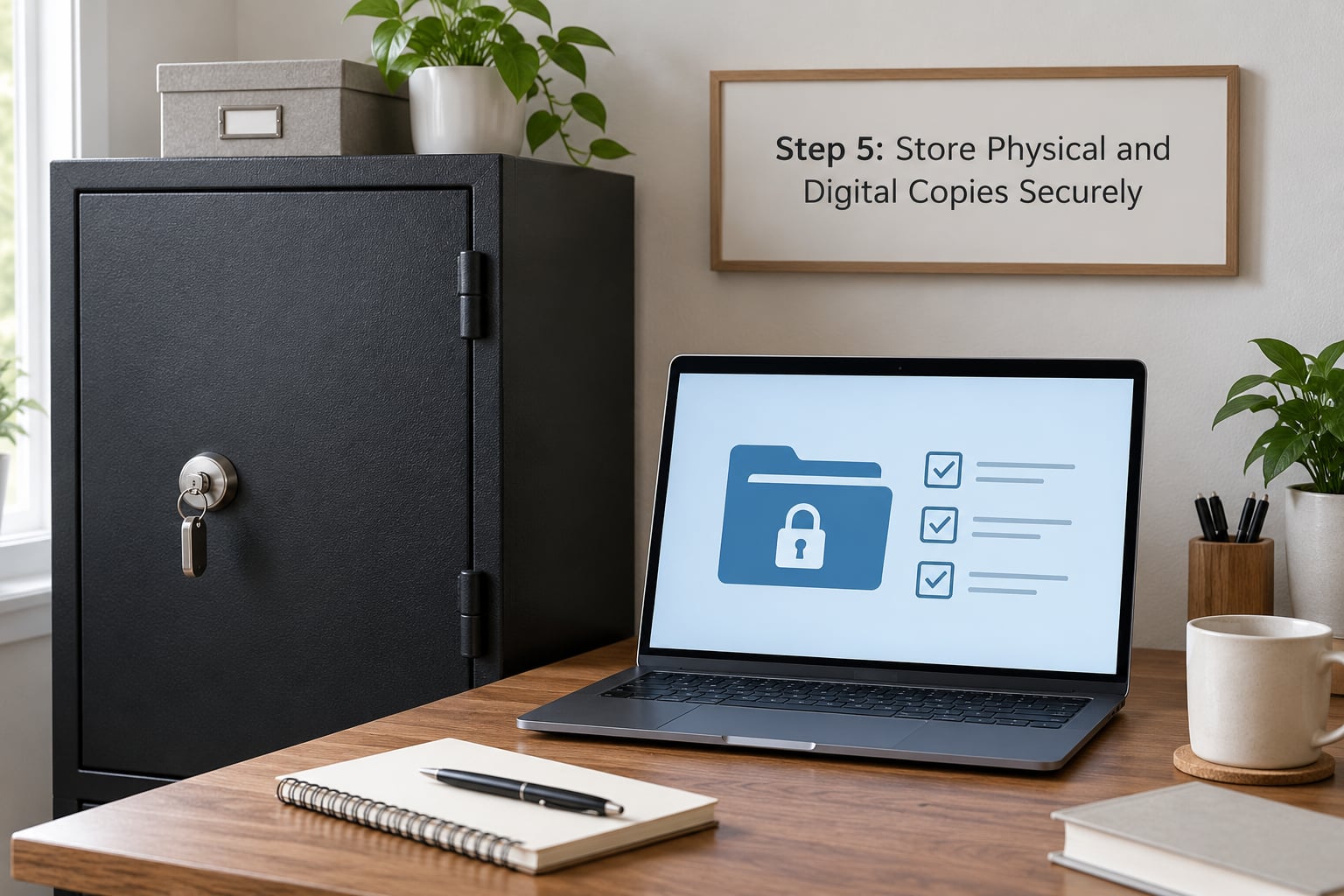
There are three layers to storage, and each record needs a decision about all three.
Everyday storage is what you reach for weekly: a labeled file box or the binder on a shelf. Protected long-term storage is the locked file cabinet or fire-resistant safe for irreplaceable originals like passports, deeds and certificates. Off-site backup is the copy outside your walls — an encrypted cloud folder, a password manager vault, or a drive at another family member’s house.
For digital copies, turn on multifactor authentication and use a password manager rather than a sticky note. Be deliberate about what you upload: scans of Social Security numbers, birth certificates and financial statements carry real identity theft risk, so keep them in an encrypted folder with access limited to people who have a reason.
One warning worth taking seriously: a safe is too safe when nobody else can open it. If your executor cannot retrieve your original will, the will is functionally lost. Confirm the combination or key with one trusted person, and never store the only copy of an original document somewhere a flood or fire can reach. Archivists and home security readers both point to the same lesson — dual locations, one of them off-site.
How do you know it worked? Pick any document at random and confirm you can produce the original and a readable copy within five minutes.
Step 6: Create a Simple Index and Review Schedule
Write one page: document name, where the original is stored, who is responsible, and where the backup lives. Tape a copy inside the emergency folder and give a copy to your trusted contact.
Then set the review date. Every six months is a comfortable rhythm for most households. Also review after a move, a marriage, a divorce, a job change, an insurance change, a new child, or any family emergency — those are the moments when the system quietly breaks.
During each review, add new records, remove outdated ones, and re-check that emergency contacts and account numbers are current. If you inherit or receive documents from a deceased parent, this is the index that saves you weeks of calling agencies one at a time.
Common Mistakes
Keeping everything in one pile. One pile is not a system; it is a delay. Sort on the day you gather, even if categories are rough.
Storing originals in only one place. A flood takes the box and the cabinet together. Keep one backup copy outside the home.
Using confusing labels. “Blue folder” fails in five years when nobody remembers blue meaning anything. Name the contents, not the color.
Sharing sensitive information insecurely. Do not text a Social Security number or email account numbers in plain text. Use a shared folder with permissions, or share access through a password manager.
Locking everything away. If only you can open the storage, nobody else can use it when you cannot. Record where the key or combination lives.
Forgetting to update emergency contacts. Phone numbers change. Check them at every scheduled review.
Never clearing out outdated records. Old policies and voided checks do not need to live forever. Shred anything with a Social Security number, account number, or medical information that is no longer active.
Frequently Asked Questions
What is a good family document organizer?
A three-ring binder per family member plus one shared binder for household records is the most reliable starting point for most families. It is portable, cheap, and easy to hand to an adult child or caregiver. Add a locked file box or fire-resistant safe for originals you cannot replace, and a shared encrypted cloud folder for the digital copies. Consistency matters more than the container itself.
Where should I keep original birth certificates and passports?
Keep irreplaceable originals in a locked, fire-resistant location you control, or in a bank safe deposit box if your bank allows it. Avoid basements, attics, and storage units that flood. Never keep the only copy in one place: leave a high-quality scan with a trusted family member so a replacement application can start immediately if the original is damaged or lost.
Are bank safe deposit boxes safe for important documents?
They are reasonably secure for originals because access requires your key and identification, and the bank is not exposed to a home fire or flood. The tradeoffs are convenience: you need bank hours and a trip to the vault, and banks generally prohibit certain items such as cash, coins, and anything not insured by the federal deposit insurance. Many families keep a copy of key documents at home regardless.
Is it safe to store sensitive family documents in the cloud?
It is, if the folder is encrypted and protected. Use an established provider with multifactor authentication, a strong unique password stored in a password manager, and permissions limited to the people who genuinely need access. Avoid public file-sharing links. Keep at least one offline backup as well, since account lockout or a provider change can make cloud-only storage unreachable at the worst time.
What should be in an emergency document folder?
Copies of identification, insurance policy details, healthcare provider and pharmacy contacts, current medication names and dosages, emergency contacts for each family member, vehicle and property information, and account references for banks and insurance. Keep it in a sealed folder inside a go-bag near an exit. Tell one trusted person where it is and that they may use it.
How long should I keep tax and financial records?
Most guidance points to keeping tax returns and supporting records for at least seven years, which is the general period the IRS allows for auditing an individual return. Bank and investment statements are worth keeping for the same window. Life insurance policies and final account statements should stay until the estate is fully settled, which can take longer than people expect. Shred anything past its period.
A Simple First Step
Do not build the whole system this week. Put every paper you can find into one temporary box, write down the family members who will need access to it, and create three folders today: Identity, Health, and Emergency.
That is the whole first move. Once those three exist and one trusted person knows where they are, adding categories, backups, and a review date becomes an afternoon task instead of a project you keep postponing.